PATRec Android App
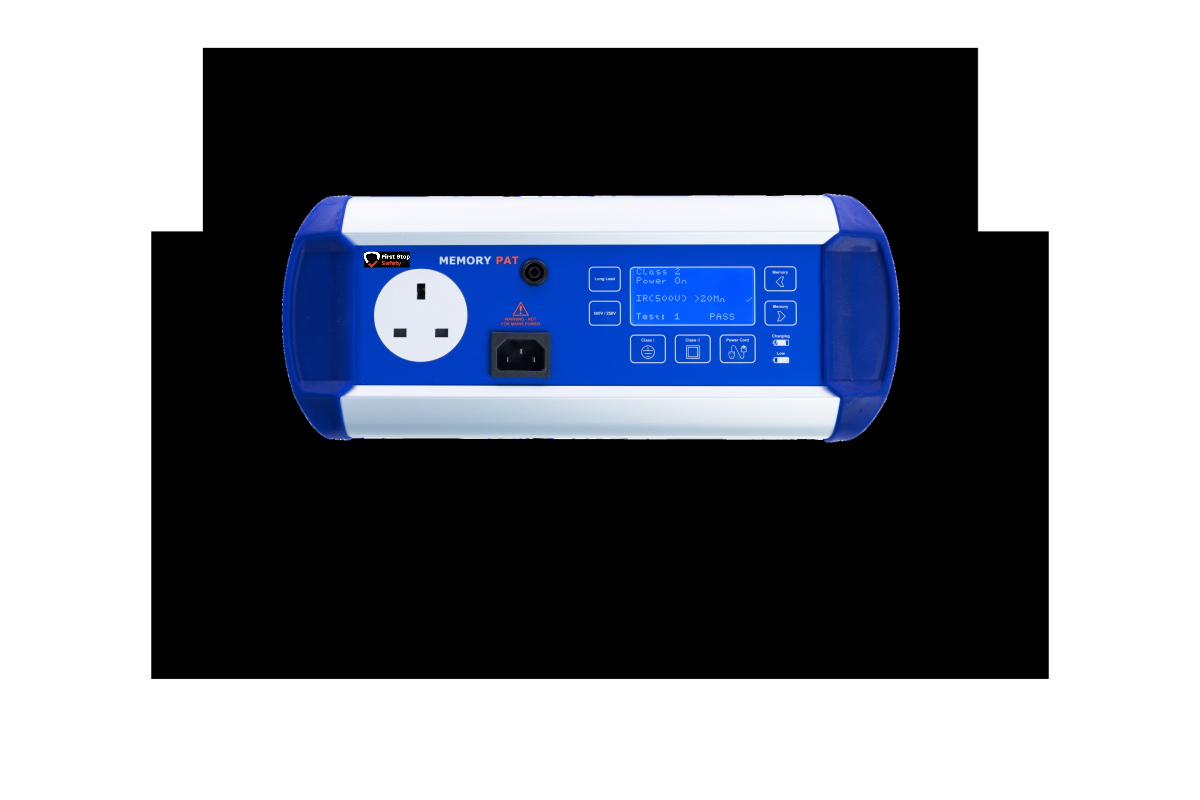
The free companion app for the MemoryPAT Blue tester. Transfer, annotate and save your PAT test results straight to your Android device over Bluetooth.

First Stop Safety's PATRec App
PATREC connects to your MemoryPAT Blue over Bluetooth and receives each test result the moment it's taken.
From there, you can add extra detail before saving, location, device ID, and Formal Visual Inspection results, so your records are complete without any extra paperwork.

The PATRec application is designed to run on any Android device running Android 4. x.y or later and is free to download from the Google Play Store. Due to security changes on the Play Store, this app does not work on all versions of Android.
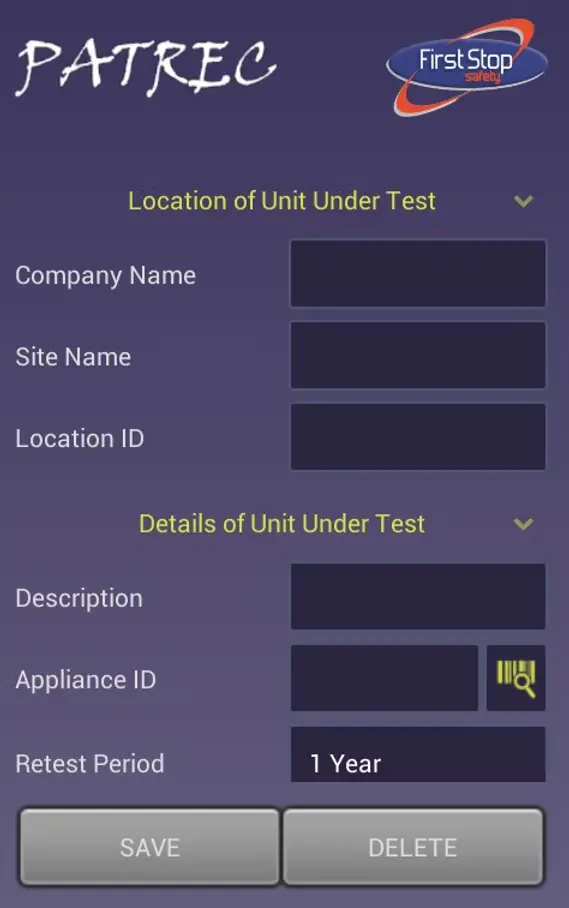
PATRec allows the PAT test result to be annotated by optionally adding any or all of the following additional information:
Information on the location of the Unit Under Test
Details of the Unit Under Test
Formal Visual Inspection results
What PATREC Does
Transferable Data
Real-time transfer of test results from your MemoryPAT Blue over Bluetooth
Data
Annotate results with location, device ID, FVI outcome and more
Test Results
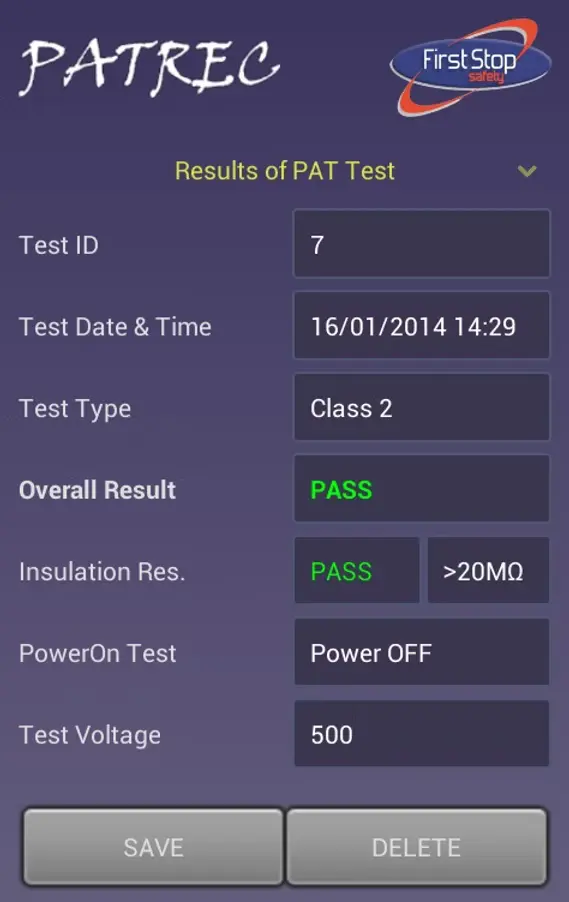
Displays full test results, including PASS/FAIL and individual measurements like insulation resistance and test voltage
Barcode Scanner
Scan barcodes using your device's rear camera to fill the Appliance ID field automatically
Export
Saves results to a CSV file, ready to open in Excel or any standard spreadsheet program
Device Compatibility
PATREC runs on Android devices with OS version 4.x or later, and is free to download from the Google Play Store.
Because of ongoing security changes on the Play Store, the app doesn't work on every Android version, check the listing on Google Play for current compatibility before downloading if you're on an older device.
Privacy and Camera Permissions
PATREC doesn't collect or store any personal or user-sensitive information. On installation, it will ask for camera permission; this is used only when you choose to scan a barcode. No images are ever saved, stored or transmitted from your device.
How to use the PATRec App
Instructions on how to use and configure PATRec can be downloaded by clicking here.
PatRec
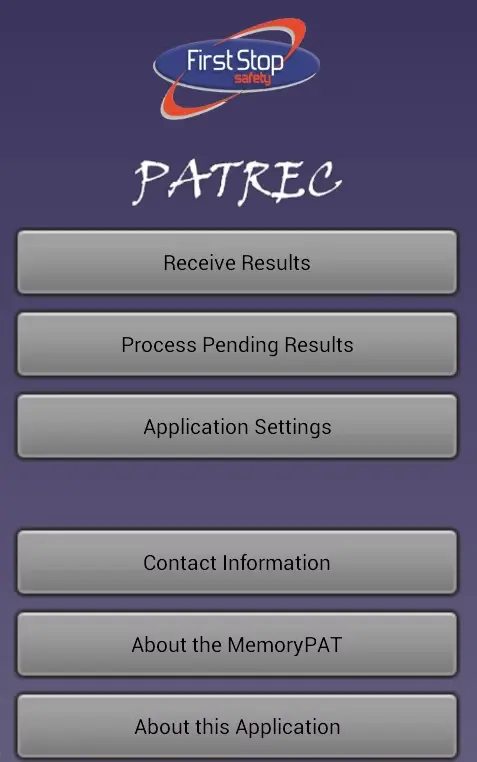
PATRec allows the PAT test result to be annotated by optionally adding any or all of the following additional information:
Information on the location of the Unit Under Test
Details of the Unit Under Test
Formal Visual Inspection results
Comprehensive Results
PATRec also displays the full PAT test results, including PASS/FAIL and individual test measurements and settings, e.g. insulation resistance or test voltage. Additionally, PATRec can use the rear camera on the Android device to read a barcode and directly input it into the Appliance ID field.
Scalable Test Tracking
PAT test results are saved to a CSV file on the Android device, and the filename can be configured by the user from within the PATRec app. CSV files will import into most spreadsheet programs, including Excel and Kingston Office for Android (also a free download from the Play Store).
Common Questions
No, PATREC is built specifically to work with the MemoryPAT Blue, communicating over Bluetooth.
It's designed for Android 4.x and later, but due to Play Store security changes, it isn't guaranteed to work on every device or Android version. Check the Google Play listing for the latest compatibility information.
Yes, the camera is only used when you actively press the barcode icon, and no images are ever saved or transmitted from your device.
Results are saved to a CSV file on your device, which you can open directly in Excel or any other standard spreadsheet program.
Contact us
Contact us about anything related to our company or services.